Low-end device checks
Indian Rummy APK on Android Go: how to check compatibility
Android Go is a lightweight device configuration, not a promise that every Indian Rummy APK will install or run well. Check the actual phone and file evidence before testing.
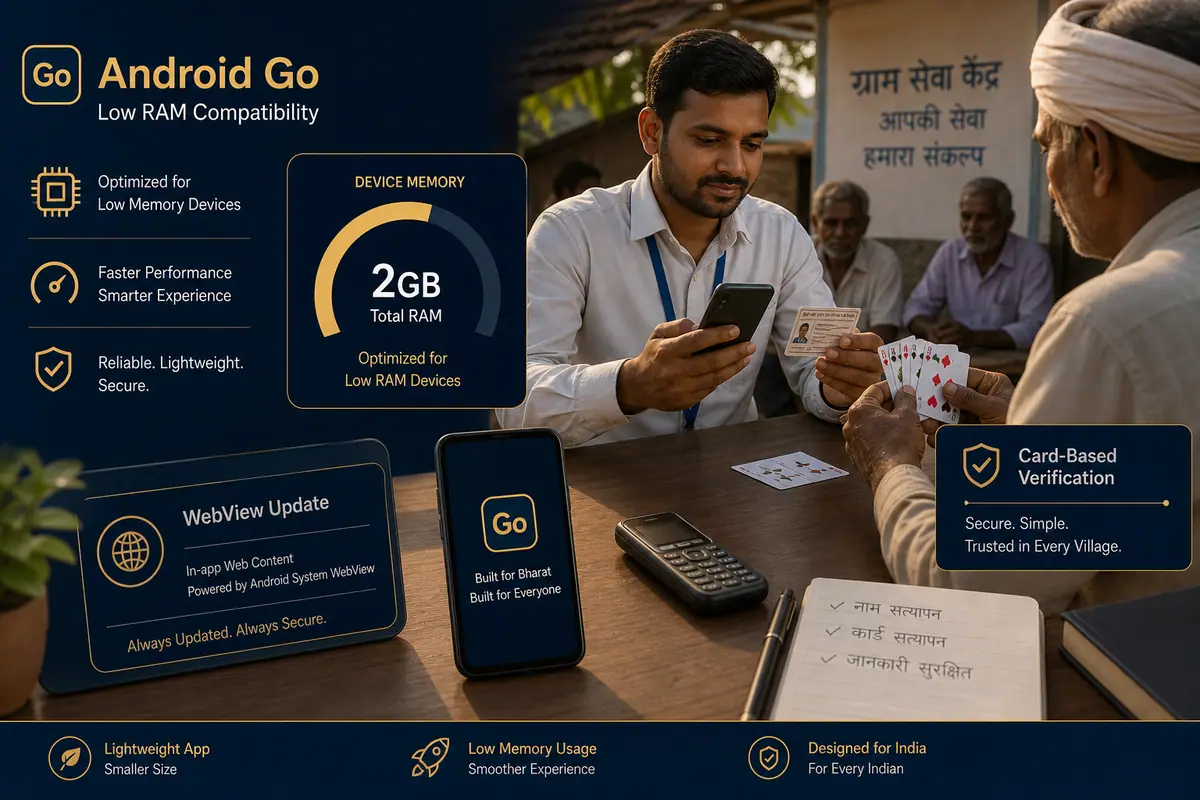
Direct answer: On an Android Go phone, confirm Android version, free storage, RAM pressure, CPU architecture and the APK’s package evidence. Start with one controlled launch on a stable network; do not infer compatibility from the word “Go”, an APK filename or another phone’s result.
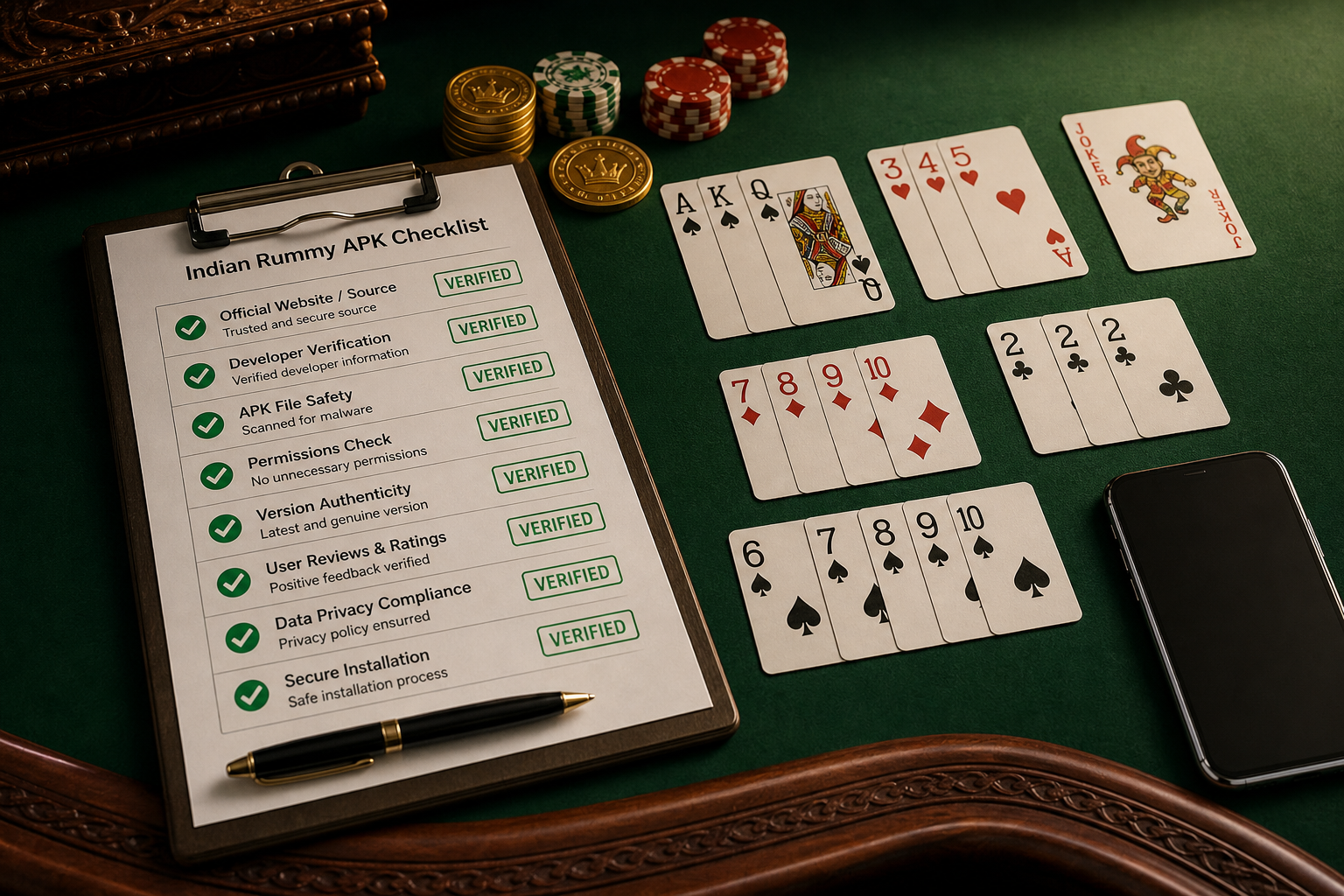
Low-end compatibility checklist
- Write down the Android release, available storage, RAM and chipset details from Settings.
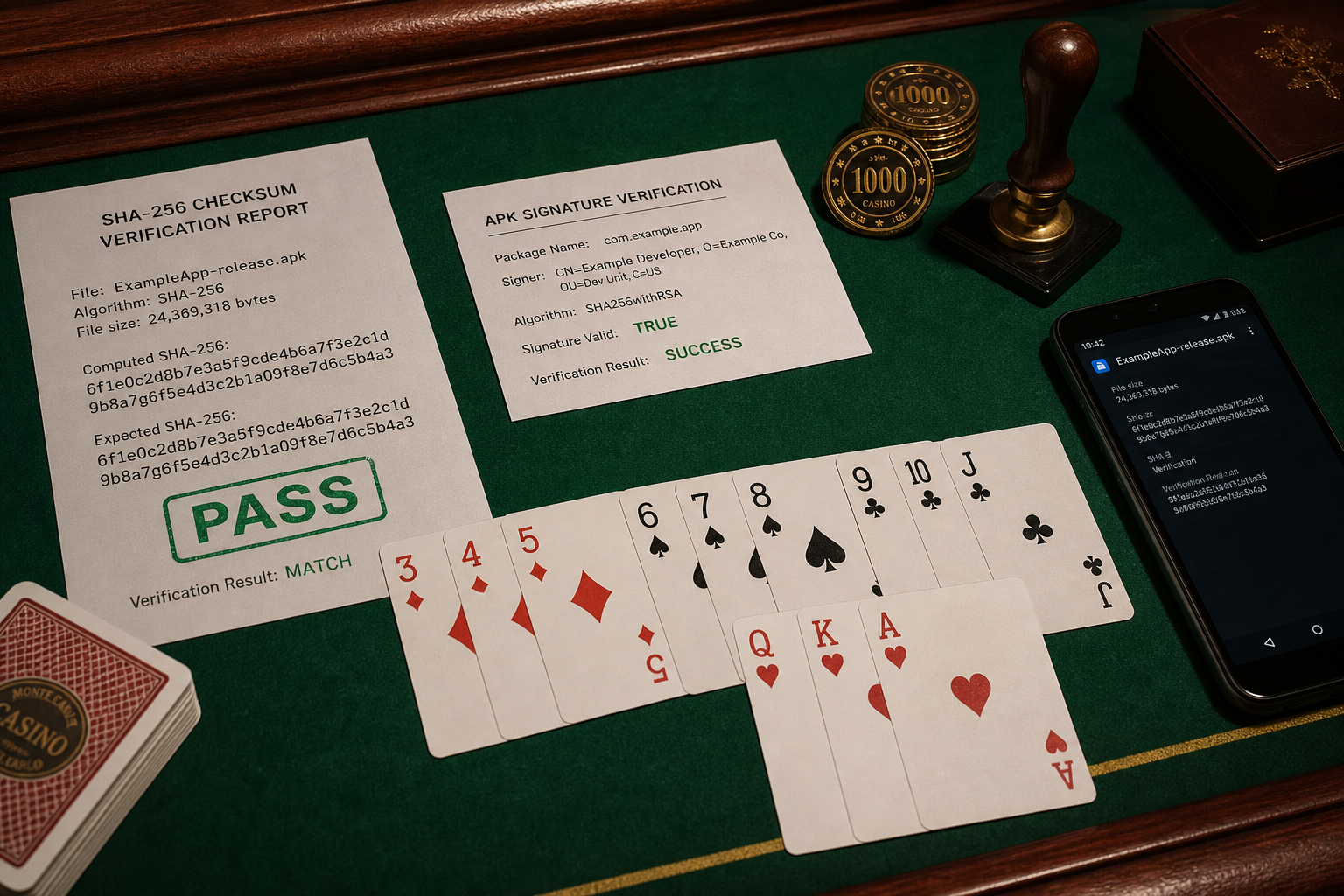
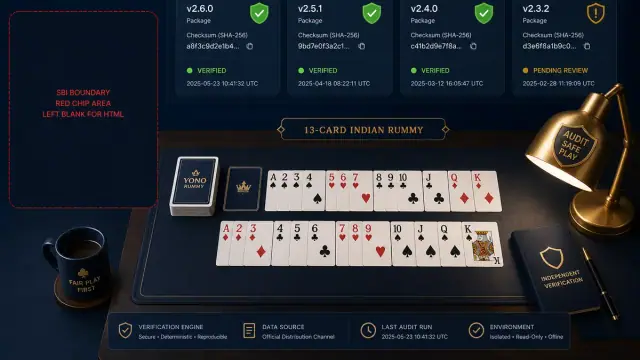
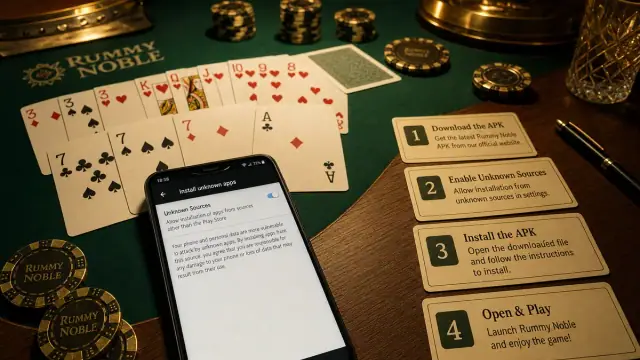
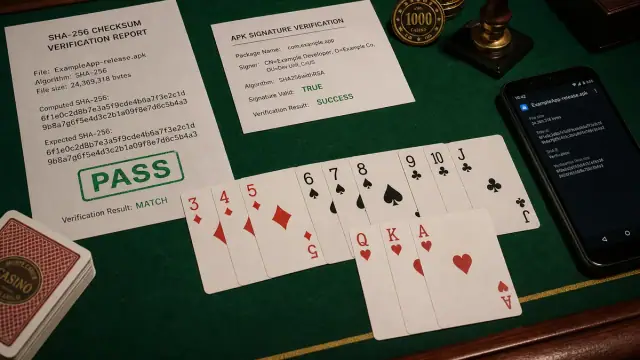
- Check whether the APK is a complete file and whether its package, signer and checksum match the expected publisher evidence.
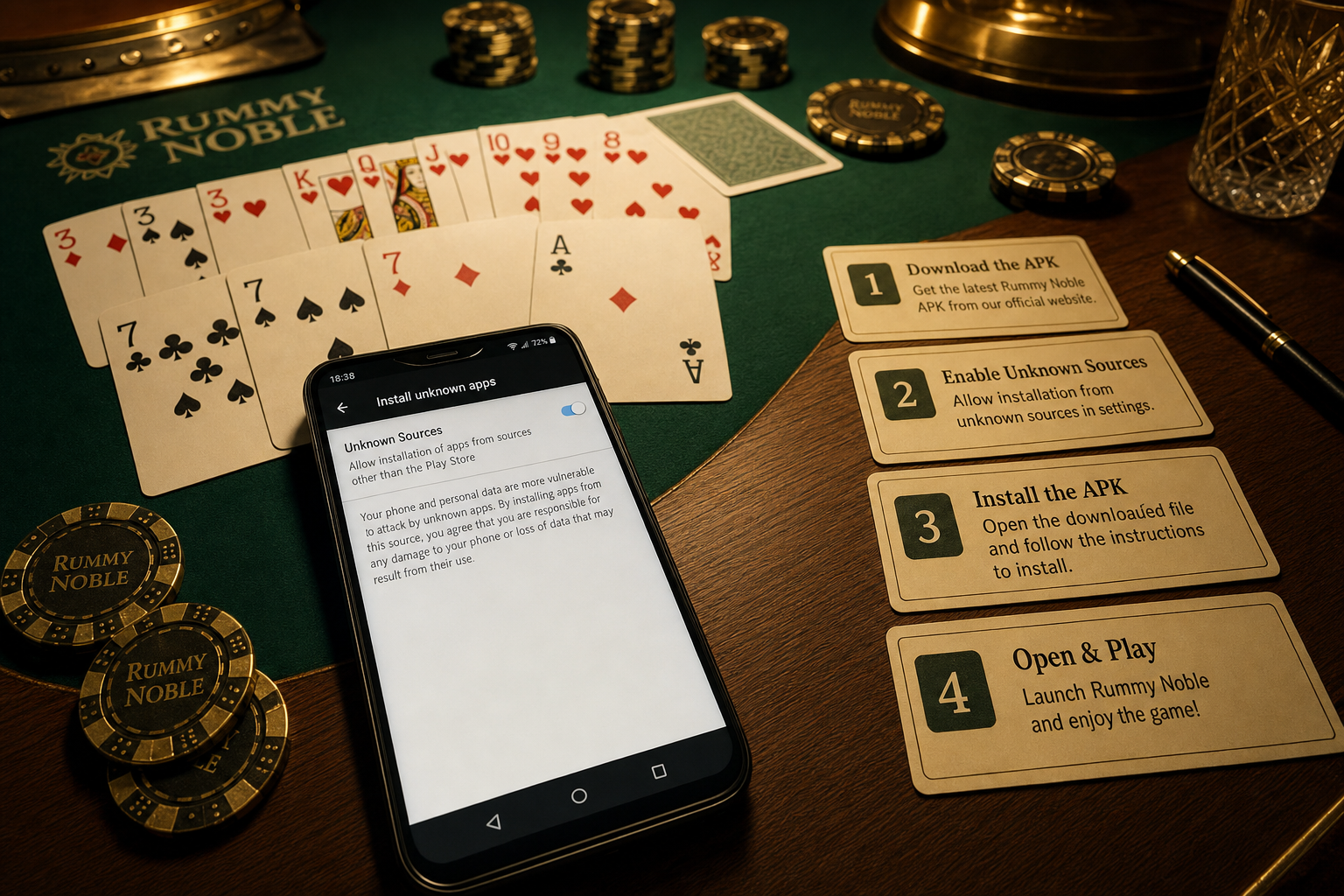
- Close background apps and keep the first launch on stable Wi‑Fi; note whether the failure is install, launch, login or table rendering.
- Keep graphics, animation and background activity conservative if the app exposes those controls.
- Test battery temperature, touch response and reconnect behavior for a short adult social-practice session.
Limits of the test
One Android Go handset cannot prove support for all low-end phones. A 32-bit/64-bit mismatch, vendor memory policy or missing WebView component can change the result. Use the Android Go compatibility desk and report the exact model.
Keep the boundary clear
This site covers technical verification and free social play. It does not promise cash returns, deposits, withdrawal help or guaranteed performance.