Publisher पहचान
एंड्रॉयड 2026 में “APK developer नहीं सत्यापित” दिखे तो क्या करें?
Message को पहचान और distribution check मानें, hidden continue रूट खोजने का prompt नहीं।
सीधा जवाब: इंस्टॉल से पहले रुकें। “Developer नहीं सत्यापित” का अर्थ है कि एंड्रॉयड applicable सत्यापन path से developer confirm नहीं कर पाया। Exact publisher name, पैकेज, डाउनलोड domain, सिग्नेचर सबूत और सपोर्ट contact check करें। Publisher clear आधिकारिक रूट न दे तो advanced flow, मिरर, modified installer या किसी और की registration use न करें।
Exact context record करें
| सबूत | क्यों जरूरी |
|---|---|
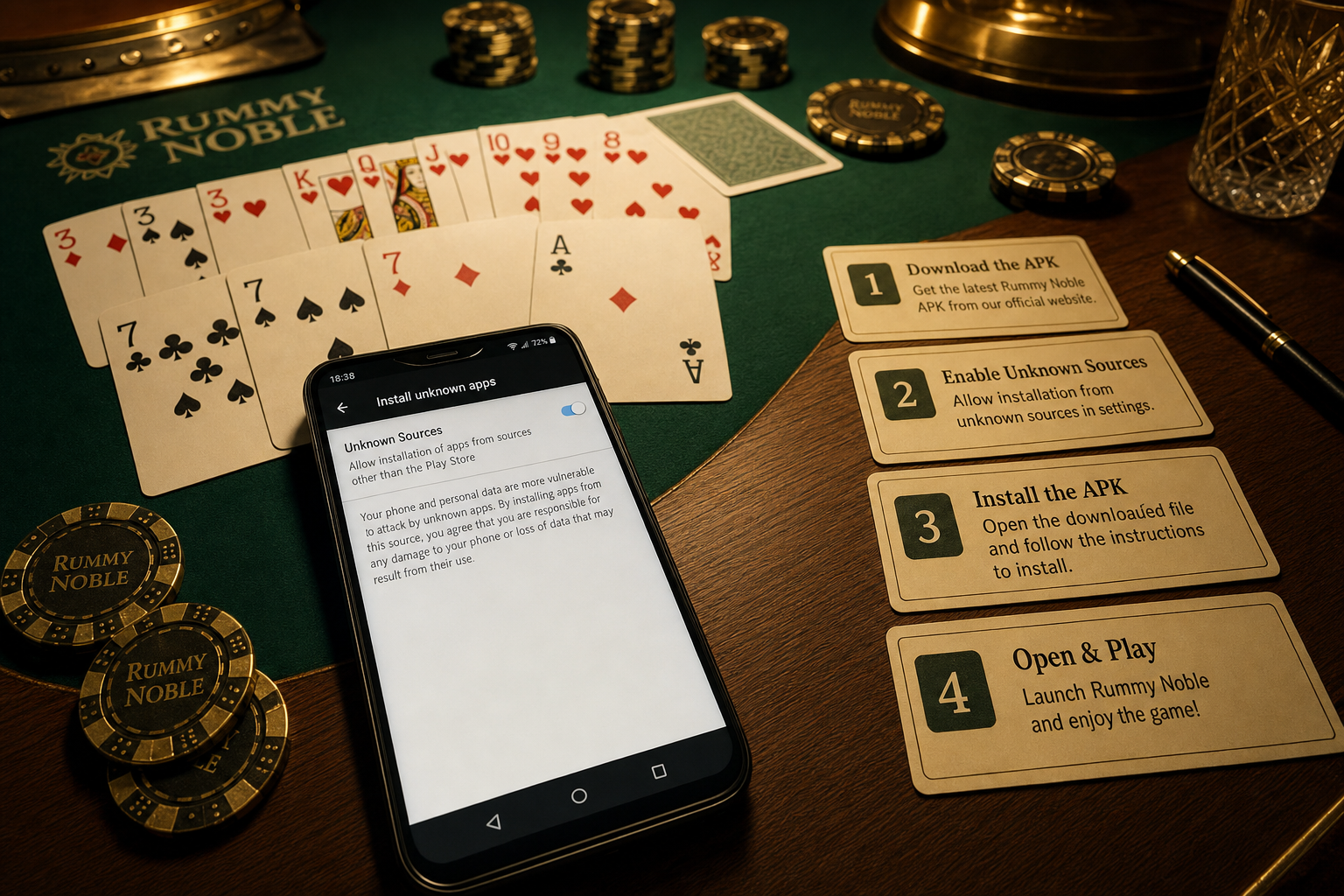
| Full warning screenshot | सत्यापन को Play Protect/policy error से अलग करता है |
| एंड्रॉयड वर्ज़न और security patch | Platform behavior पहचानता है |
| Shown publisher name | Expected entity से compare होता है |
| पैकेज और APK वर्ज़न | ऐप family और release अलग करता है |
| अंतिम डाउनलोड URL | Actual distribution रूट दिखाता है |
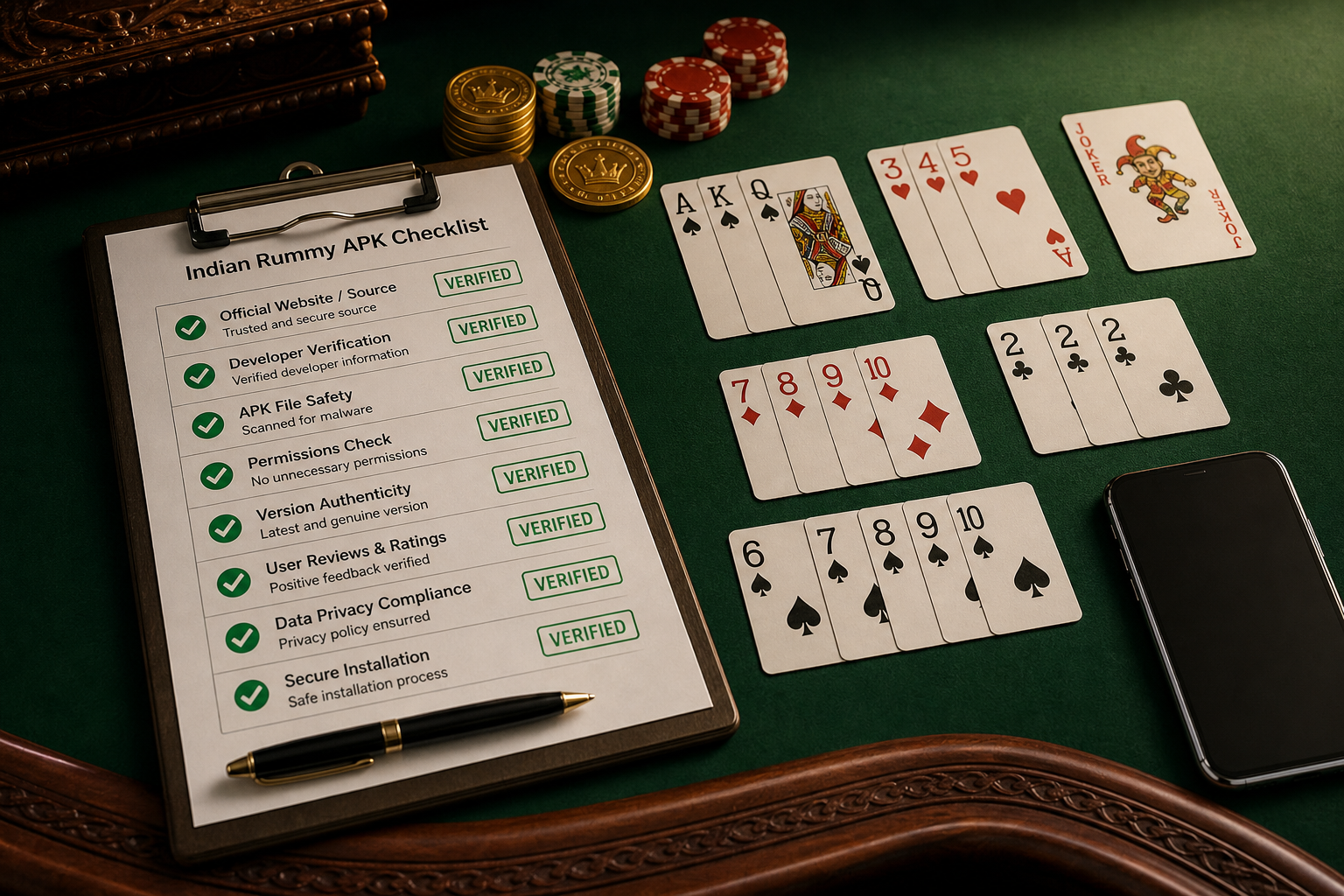
पहचान checks साथ agree हों
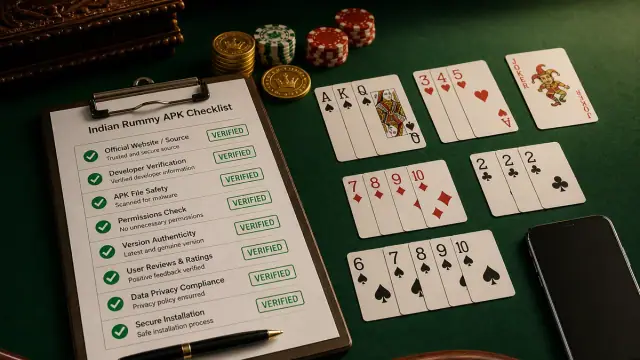
- Site domain और सपोर्ट page same publisher identify करें।
- पैकेज name established ऐप family से match हो।
- Update हो तो सिग्नेचर trusted previous release से consistent हो।
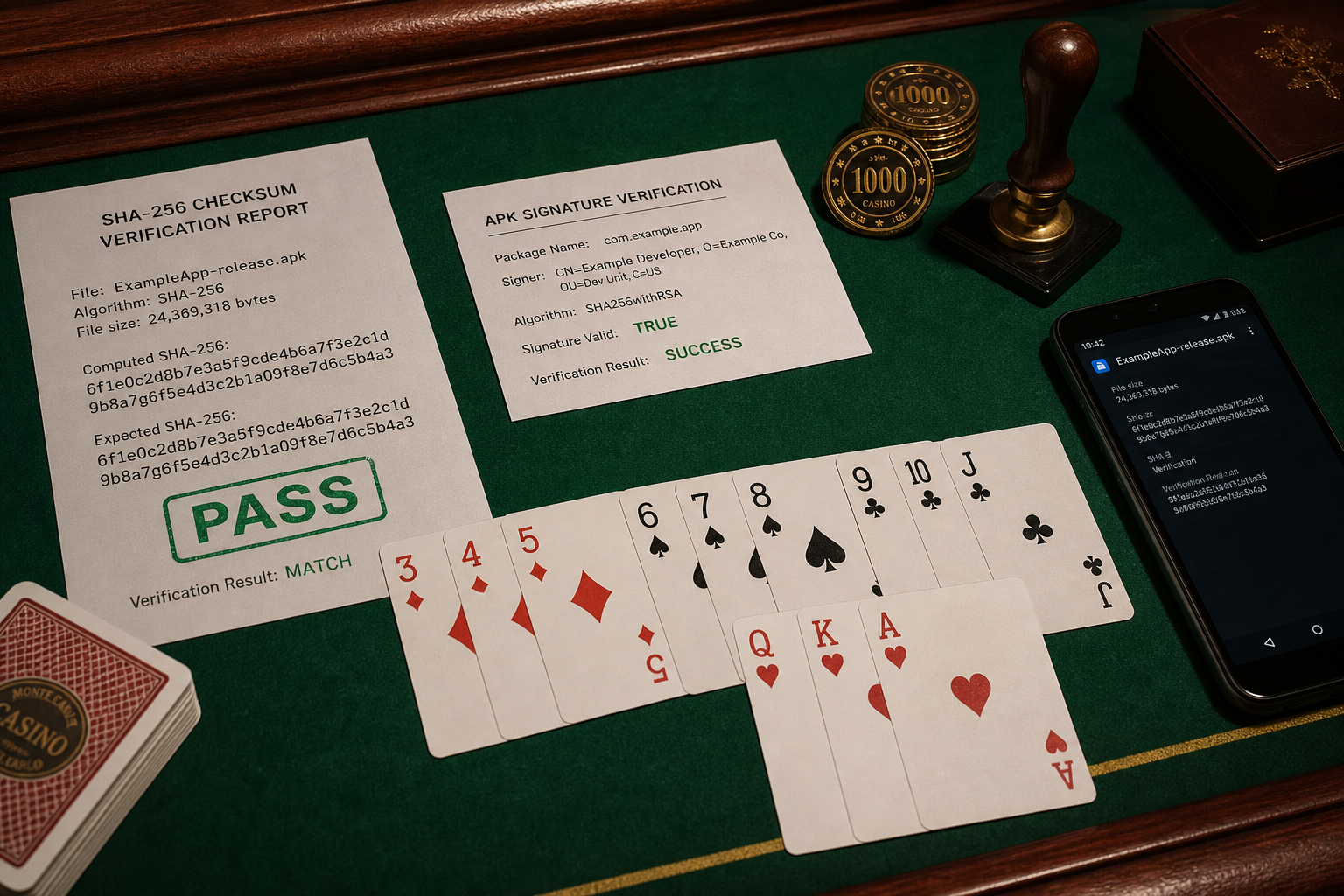
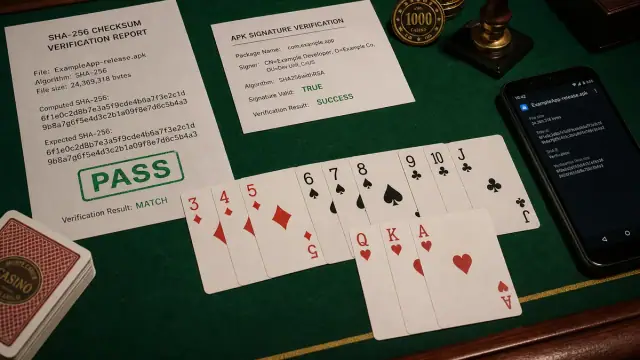
- चेकसम exact फ़ाइल के स्वतंत्र published value से match हो।
- Permissions और purpose stated social-कार्ड-game features से align हों।
Warning क्या कहती है और क्या नहीं?
Message game quality की technical review, cash reward, बैंक relationship या legal स्थिति का proof नहीं। यह किसी chat helper पर trust करने का कारण भी नहीं। इसका मतलब मौजूदा path में developer सत्यापन requirement satisfy नहीं हुई।
Unsafe responses reject करें
- Warning पार करने के लिए advanced या hidden flow use करना।
- सत्यापन हटाने का दावा करने वाली re-signed copy इंस्टॉल करना।
- दूसरे developer की पहचान, account या registration borrow करना।
- Play Protect, Auto Blocker और डिवाइस management साथ disable करना।
- Installer helper को OTP, ID document, password या payment detail देना।
Publisher से क्या पूछें?
कौन-सी legal developer entity पैकेज own करती है, सत्यापित distribution link कहाँ publish है, exact पैकेज/वर्ज़न covered है या नहीं, और सिग्नेचर या चेकसम कैसे check करें। Legitimate answer को डिवाइस remote control या पैकेज origin छिपाने की जरूरत नहीं होनी चाहिए।
Message बना रहे तो
ऐप uninstalled रखें। फ़ाइल details record करने के बाद unverified डाउनलोड हटाएं और warning सपोर्ट के लिए retain करें। Publisher required process पूरा करे या recognized रूट दे, तब तक wait करें। Browsers, mirrors या alternate profiles cycle करना safer नहीं।
सोर्स
एंड्रॉयड Developers सत्यापन सवाल-जवाब developer सत्यापन program और distribution questions explain करता है। Availability और enforcement डिवाइस, market तथा rollout stage से बदल सकती है।