Tablet display checks
एंड्रॉयड tablet पर Indian Rummy APK: स्क्रीन-layout कैसे जांचें
Tablet पर APK इंस्टॉल हो जाए, फिर भी कार्ड unreadable, controls clipped या orientation टूट सकती है। Installation और layout को अलग test करें।
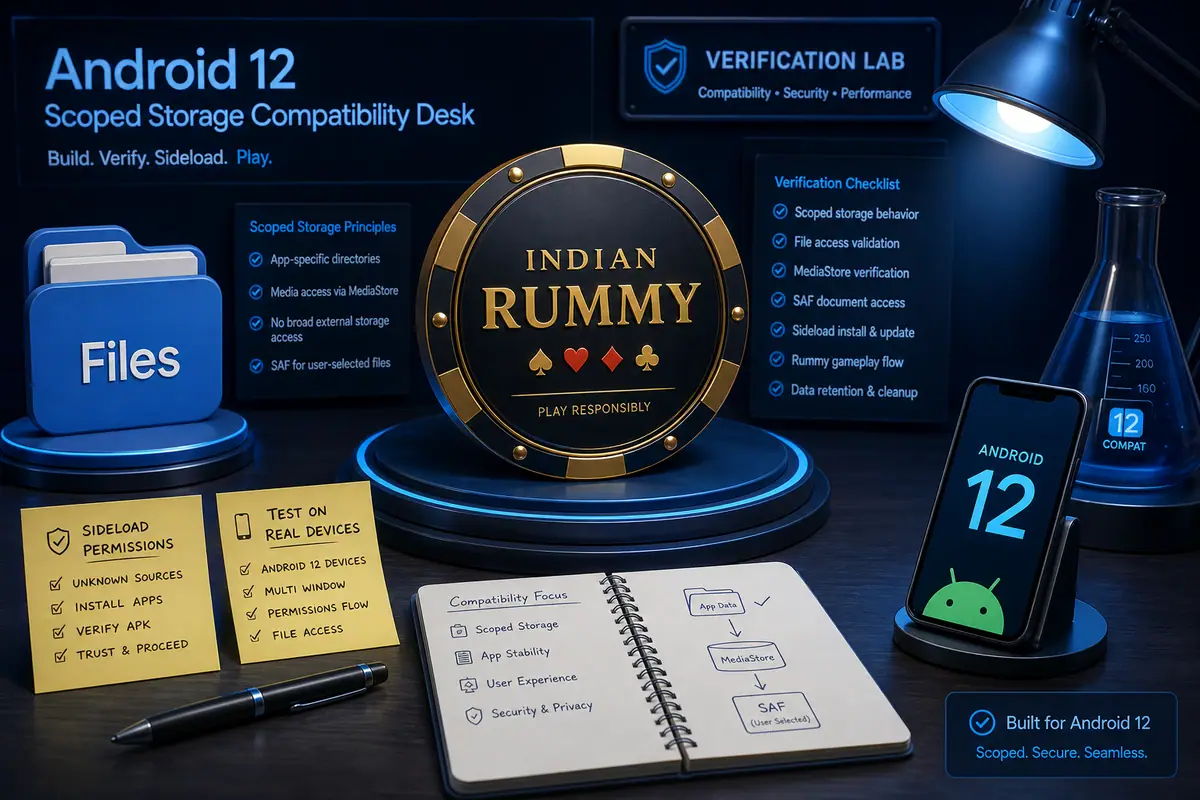
सीधा जवाब: पहले एंड्रॉयड वर्ज़न और APK सबूत देखें, फिर actual tablet पर portrait और landscape test करें। 13-कार्ड हैंड, draw/discard controls, readable text, सुरक्षित insets और system navigation से अलग touch targets साफ दिखने चाहिए।
Tablet layout test
- ऐप खोलने से पहले tablet model, एंड्रॉयड release, display size और orientation lock note करें।
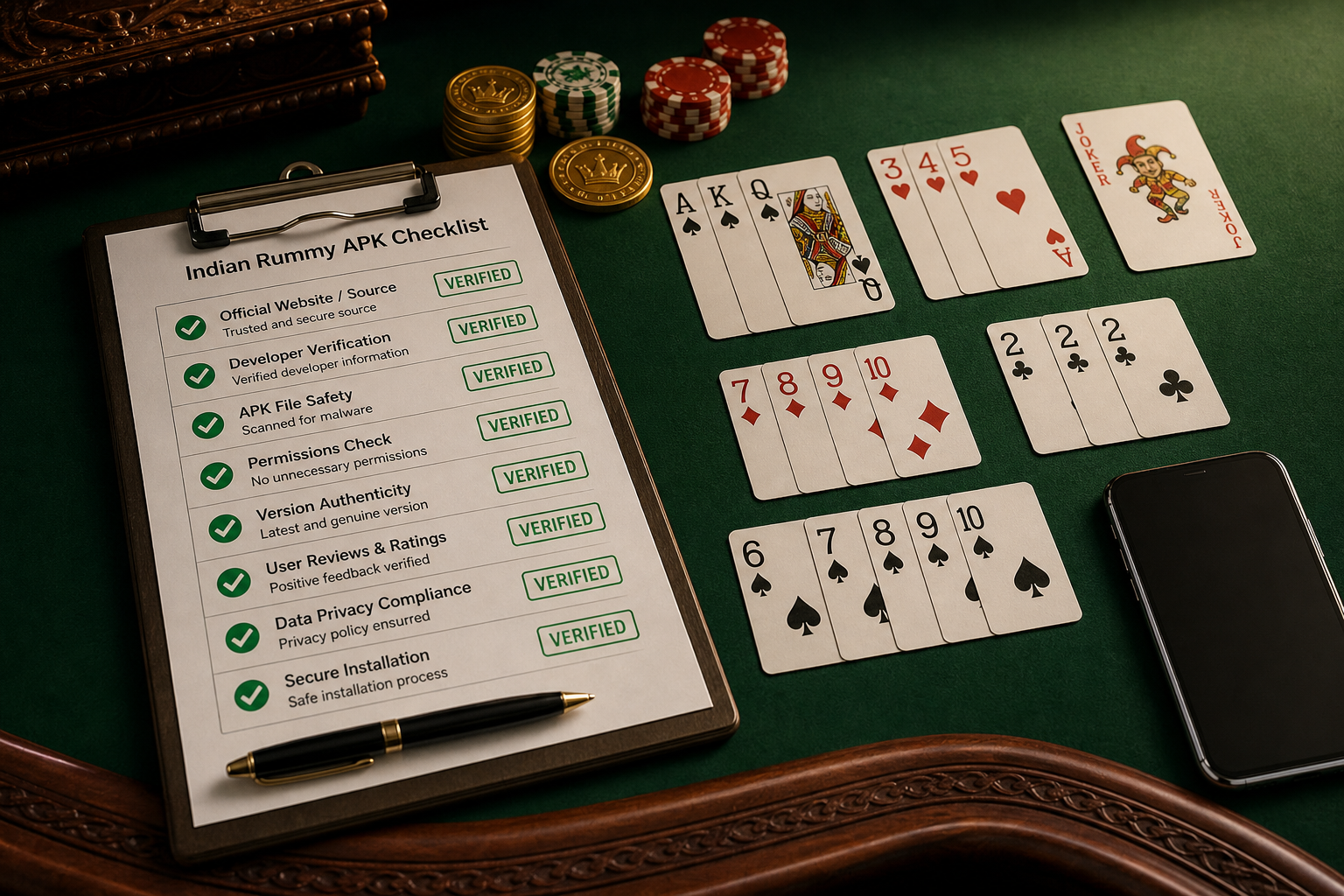
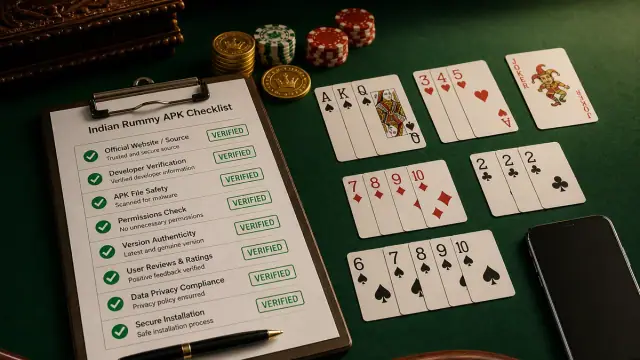
- Tablet संगतता गाइड में सोर्स और पैकेज checks पूरा करें।
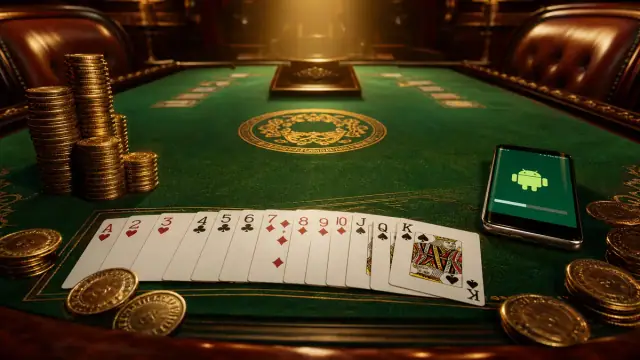
- Non-cash प्रैक्टिस टेबल खोलकर बिना zoom या horizontal clipping के सभी 13 कार्ड देखें।
- ऐप allow करे तो एक बार rotate करें। Draw, discard, sort और declare controls reachable रहें।
- Default result note करने के बाद ही larger text या display scaling test करें; scaling layout defect दिखा सकती है।
फ़ोन result क्या साबित नहीं करता
फ़ोन संगतता tablet layout quality साबित नहीं करती। Aspect ratio, split-स्क्रीन नियम, touch density और सुरक्षित area UI बदल सकते हैं। Control clipped हो तो model, orientation और स्क्रीन scale के साथ सपोर्ट को screenshot भेजें।
Related help
Small handset के लिए कार्ड या बटन नहीं visible गाइड देखें। Language readability के लिए Hindi language settings पढ़ें।