Independent APK source lab—not a cash-out or withdrawal desk.
Account desk
Rummy OTP Not Received? Fix the Login Code Safely
Confirm the phone number and active SIM, keep network signal available, wait for the first SMS, then use resend only once after the cooldown. Check spam or blocked-message filtering next. Never share the OTP in chat or a support ticket; this code is for login or phone verification only.
Related queries: otp rummy · Rummy OTP not received · Indian Rummy OTP not coming · resend code

OTP Rummy failure map
| Search symptom | Likely cause | Safe check |
|---|---|---|
| OTP not received | SMS delay, blocked-message filter or weak carrier route | Wait for the on-screen cooldown, then retry once |
| OTP not coming on dual SIM | Wrong SIM or number selected | Confirm the registered number, active SIM and signal |
| Too many OTP requests | Retry cooldown or anti-abuse rule | Stop tapping resend; wait before trying again |
| OTP page loops after sideload | Old APK, cache or WebView state | Verify APK route and clear app cache once |
suggested OTP retry lane
- Confirm the phone number and country code inside the Indian Rummy login screen.
- Keep the registered SIM active and wait for the on-screen cooldown before pressing resend once.
- Check blocked or spam-message filtering without sharing the requested code or weakening unrelated security settings.
- Switch between Wi-Fi and mobile data only once, then relaunch the app.
- If the OTP still does not arrive, verify the APK route and capture the error screen for the support desk.
FAQ
What does OTP Rummy mean here?
It means the one-time password used for Indian Rummy login or phone verification. It is not a bank OTP, UPI PIN, or payment approval code.
Why is my Rummy OTP not coming?
Common causes are SMS operator delay, DND filtering, a wrong dual-SIM slot, too many resend attempts, or an old APK/cache state.
Does this page handle cash-out or bank OTP codes?
No. RummyAppBonus documents APK verification and UI support only. See the no cash-out boundary.
Evidence worksheet before retry
This OTP Rummy worksheet does not assert a package, version, signer, checksum or device-test result. Fill it from the actual file, your phone and a publisher-owned source before retrying login. No SBI affiliation, cash-out claims, or guaranteed-win language.
| Check | How to collect it | Stop condition |
|---|---|---|
| Source URL | Record the exact publisher-owned URL | Source is unavailable or redirects to an unknown host |
| Package / version / signer | Read them from the actual file | Any field differs from publisher evidence |
| OTP attempt | Record time, SIM slot and exact on-screen message | A bank OTP, UPI PIN or password is requested |
| Device / network | Record model, OS and mobile network | Support asks you to bypass a safety warning |
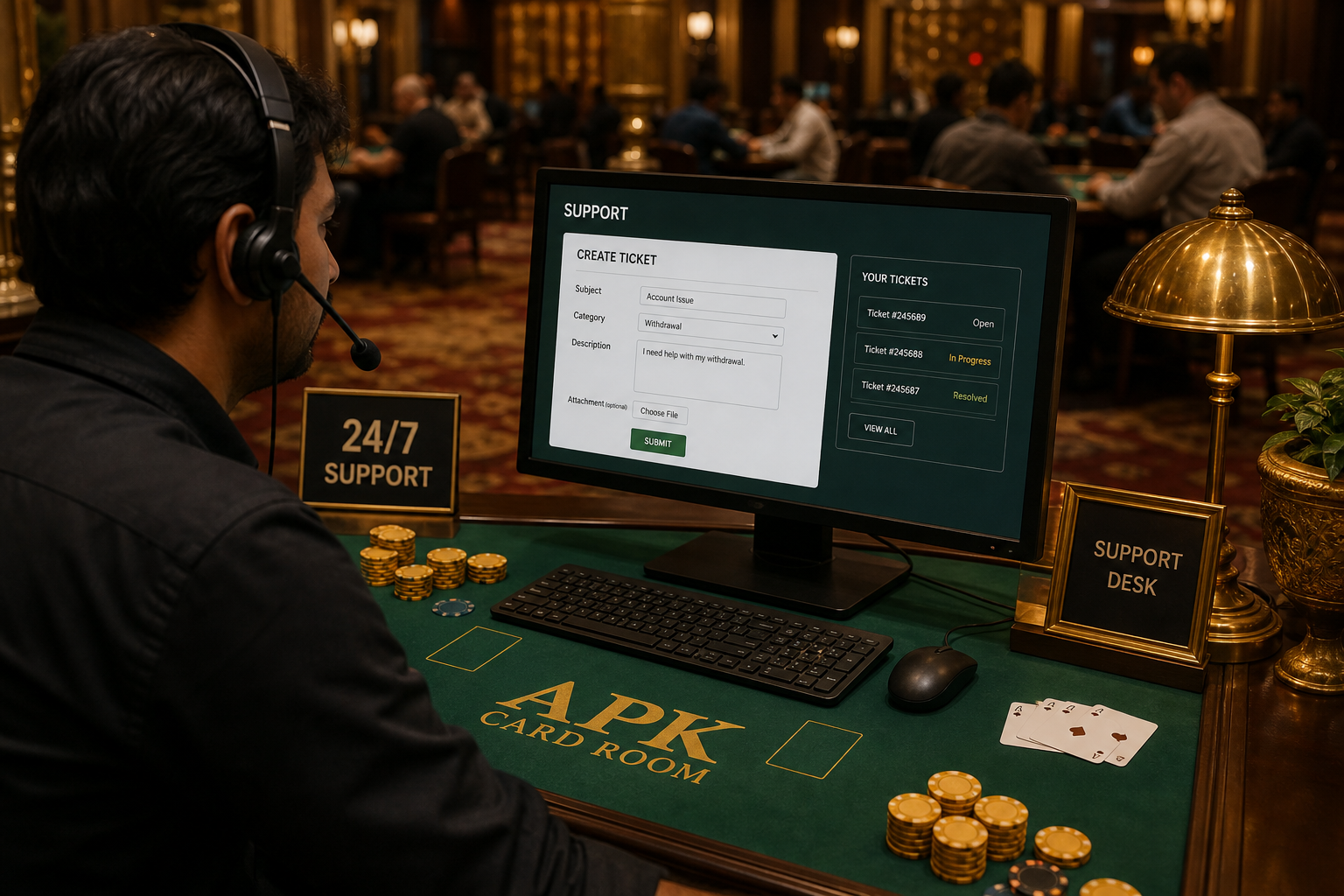
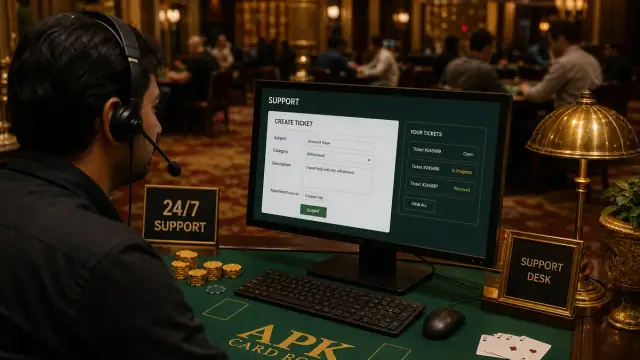
If the issue persists, capture screenshots of the home screen, error toast, and Settings → Apps → Indian Rummy storage. Open the support desk with device model and Android version. Never share OTPs, UPI PINs, or bank passwords in tickets.
Boundary note: RummyAppBonus provides a verification method, not publisher-owned file facts. Operator terms, permissions and local law can change; stop if the source evidence is missing or different.
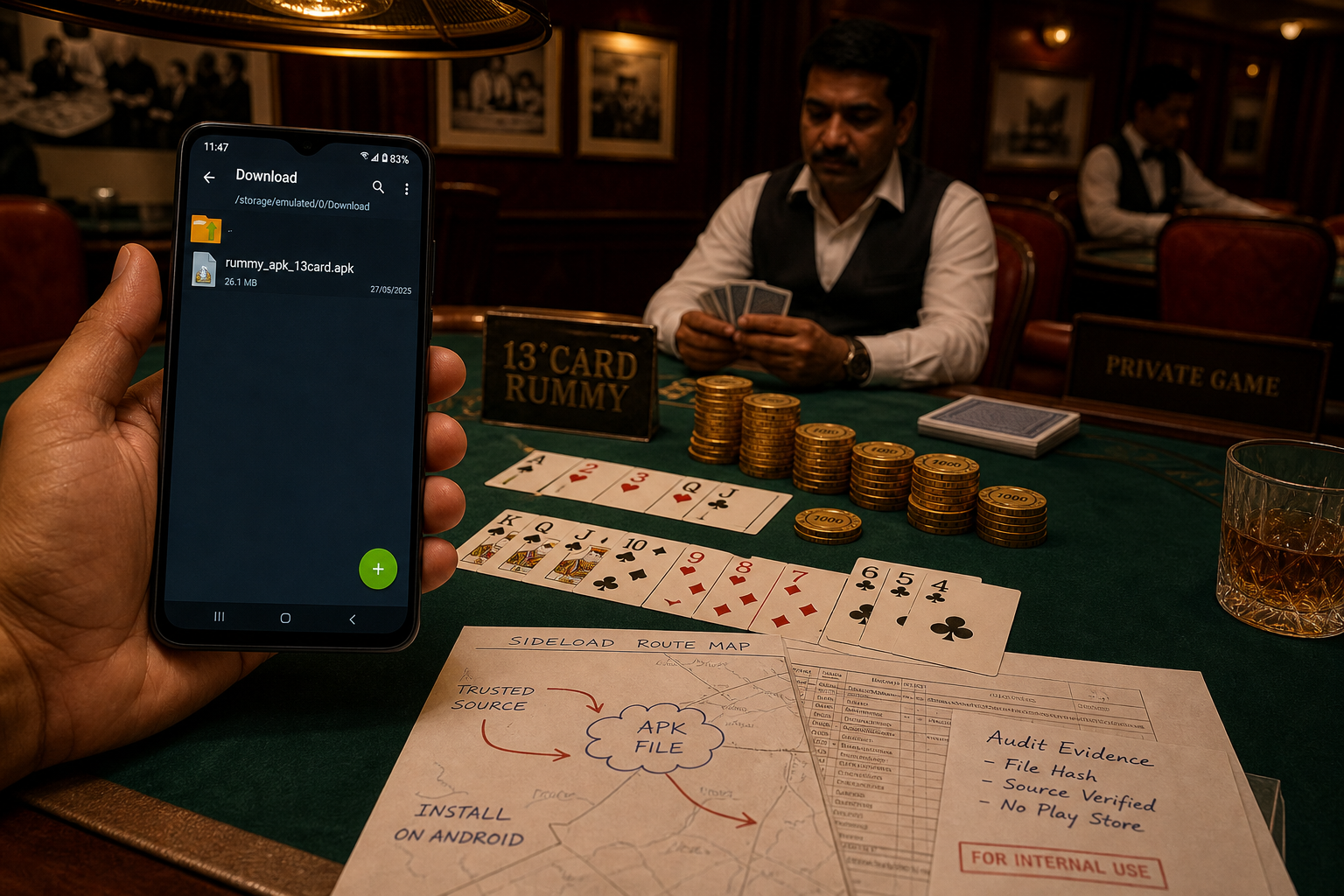
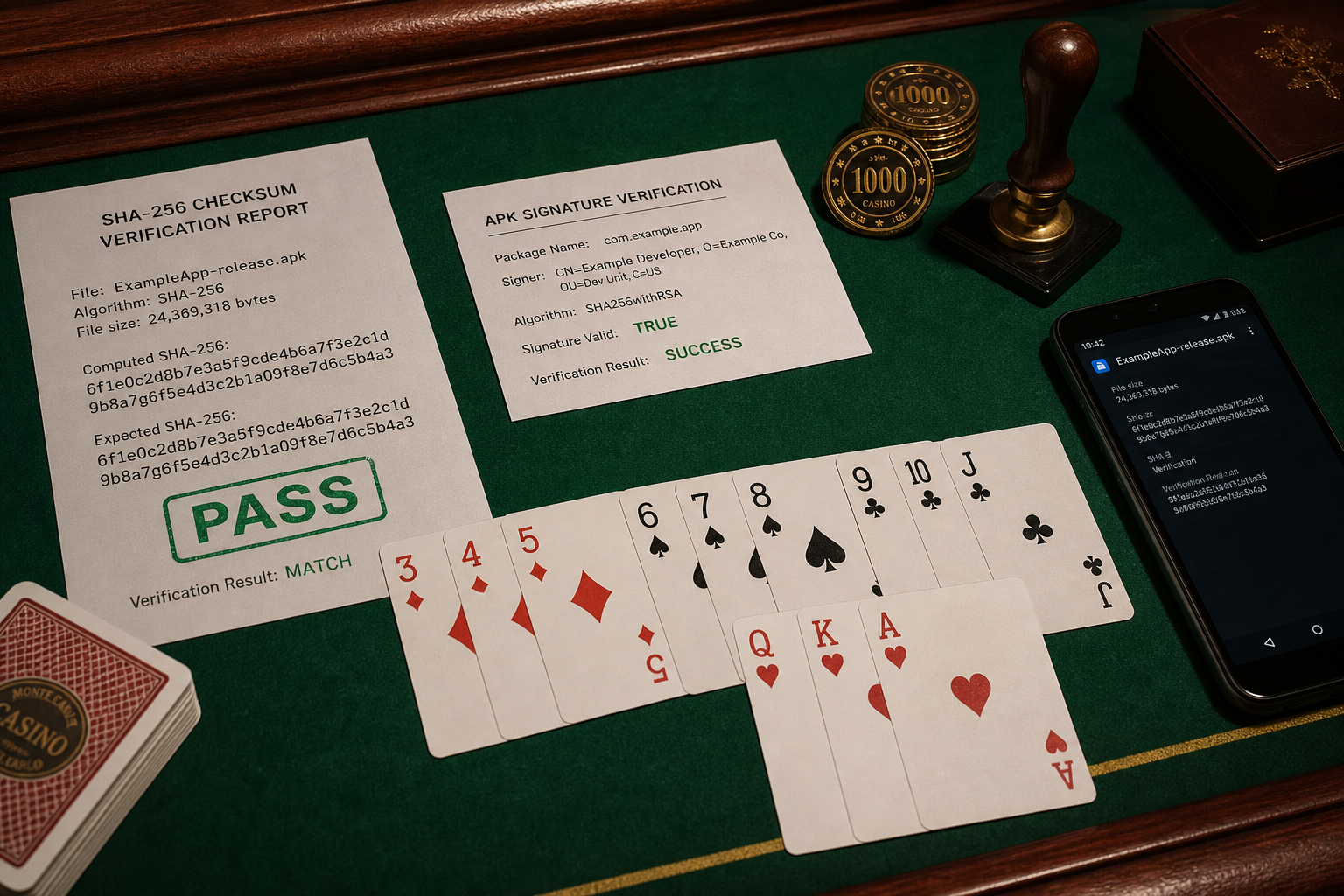
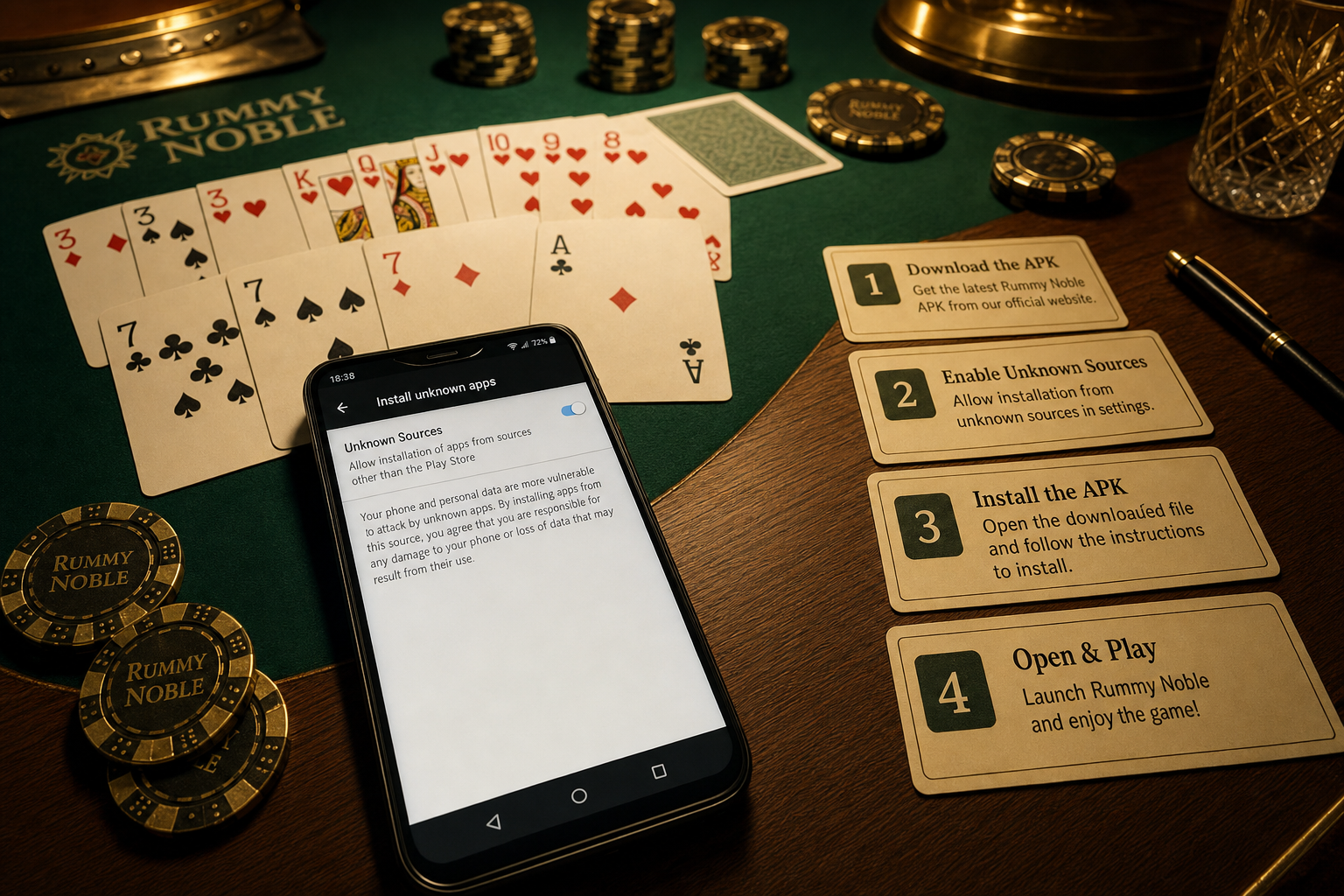
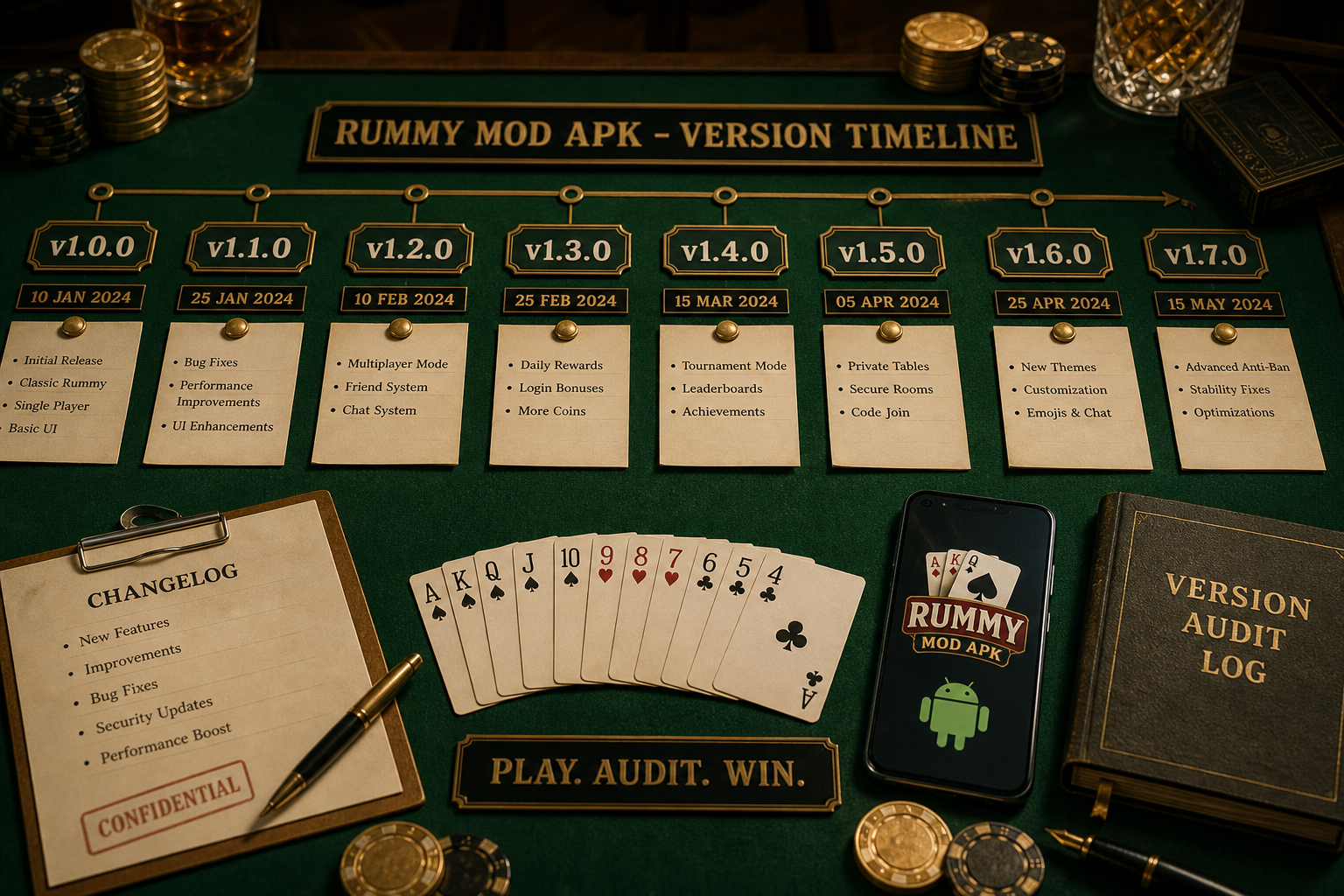
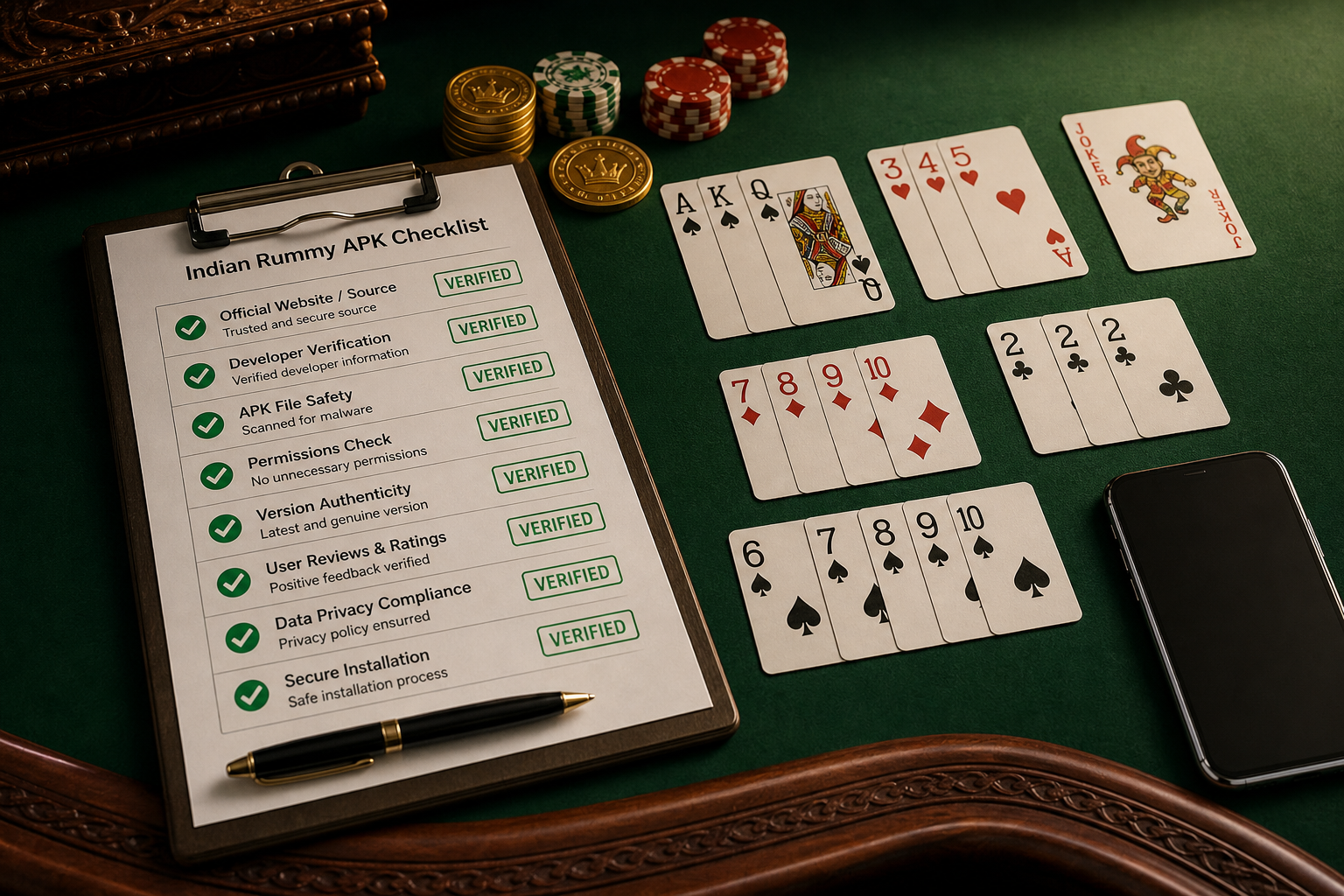
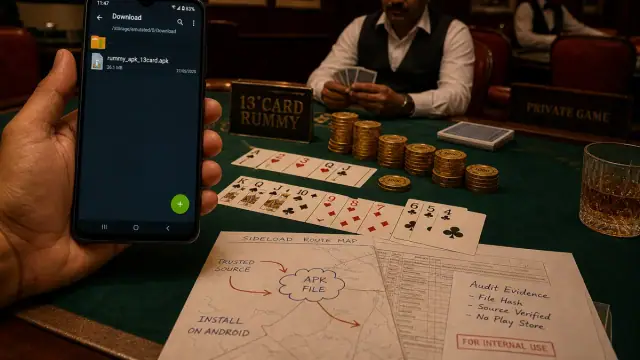
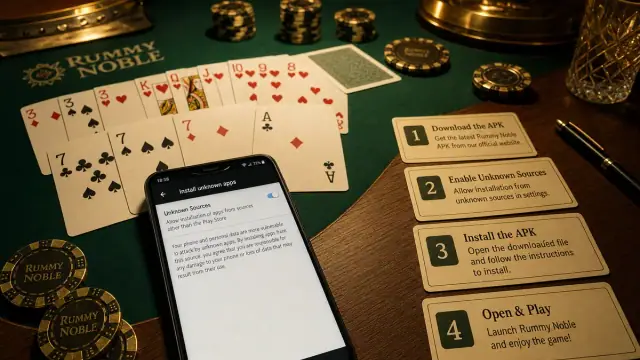
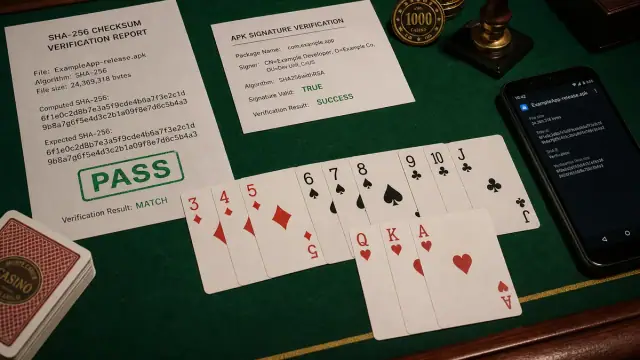
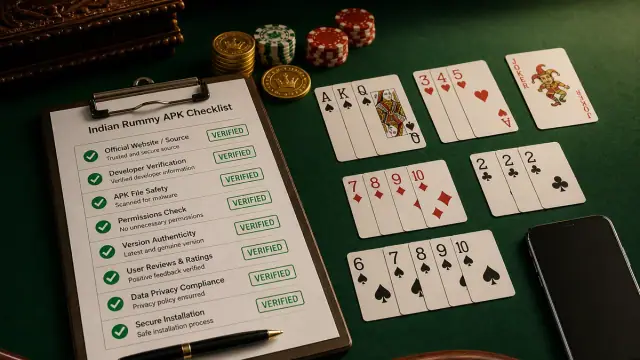
Android verification image set
Each visual keeps the page in an APK source-check lab: Android screen, package route, signature cues and rummy context.