Independent APK source lab—not a cash-out or withdrawal desk.
Account desk
Rummy OTP expired or invalid
A Rummy OTP expired or invalid message usually means the code was entered after its time window, copied with a typo, requested too many times, or blocked by phone time/SIM mismatch. Treat it as a login verification issue only; do not share bank OTPs, UPI PINs, or payment codes.
Related queries: rummy otp expired · rummy otp invalid · otp rummy retry · Indian Rummy invalid OTP
Invalid OTP diagnosis
| Message | Likely reason | Next action |
|---|---|---|
| OTP expired | Code entered after timeout | Request one fresh code and enter it immediately |
| Invalid OTP | Old code reused or digit copied wrong | Delete the old SMS and type the newest code manually |
| Retry later | Too many OTP attempts | Wait for cooldown; do not keep tapping resend |
| Code accepted then loops | App cache or version mismatch | Clear cache once and verify APK build |
Safe retry steps
- Check that phone time is automatic and the correct SIM is active.
- Delete older OTP SMS messages so you do not copy the previous code.
- Request one fresh OTP and enter it before switching apps repeatedly.
- Stop after two failed attempts and wait for the cooldown window.
- If the app loops after a valid code, verify build read from actual file and clear app cache once.
FAQ
Can I use an old Rummy OTP after requesting a new one?
No. Once a new code is requested, the previous OTP may become invalid. Use only the newest SMS and avoid repeated resend taps.
Is an invalid OTP a money transfer code?
No. This page covers Indian Rummy login verification only. It does not approve cash-out, deposits, UPI, or bank actions.
Does this page handle cash-out or bank OTP codes?
No. RummyAppBonus documents APK verification and UI support only. See the no cash-out boundary.
Desk evidence and recovery notes
This checklist for Rummy OTP expired or invalid is a reader-completed method, not a login-test record. Record the exact attempt time, SIM slot, Android version and on-screen message, then read the actual file fields and compare them with publisher-owned evidence before retrying. No SBI affiliation, cash-out claims, or guaranteed-win language.
| Check | Pass signal | Fail signal |
|---|---|---|
| Publisher-owned source URL | Record the exact response URL | Unknown mirror host or missing evidence |
| Package identity | Read it from the actual file | Different from publisher evidence |
| Network window | Stable Wi‑Fi or 4G | Captive portal / 2G timeout |
| Shared phone safety | Logout plus app lock | OTP or PIN shared in chat |
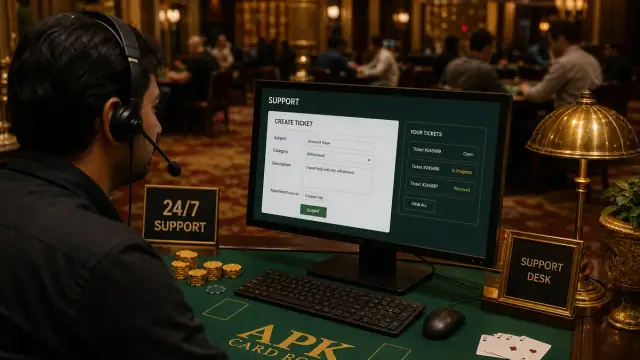
If the issue persists, capture screenshots of the home screen, error toast, and Settings → Apps → Indian Rummy storage. Open the support desk with device model and Android version. Never share OTPs, UPI PINs, or bank passwords in tickets.
Boundary note: RummyAppBonus publishes APK verification facts only. Operator terms, permissions, and local law can change — re-check build read from actual file evidence before sideloading on shared family phones.
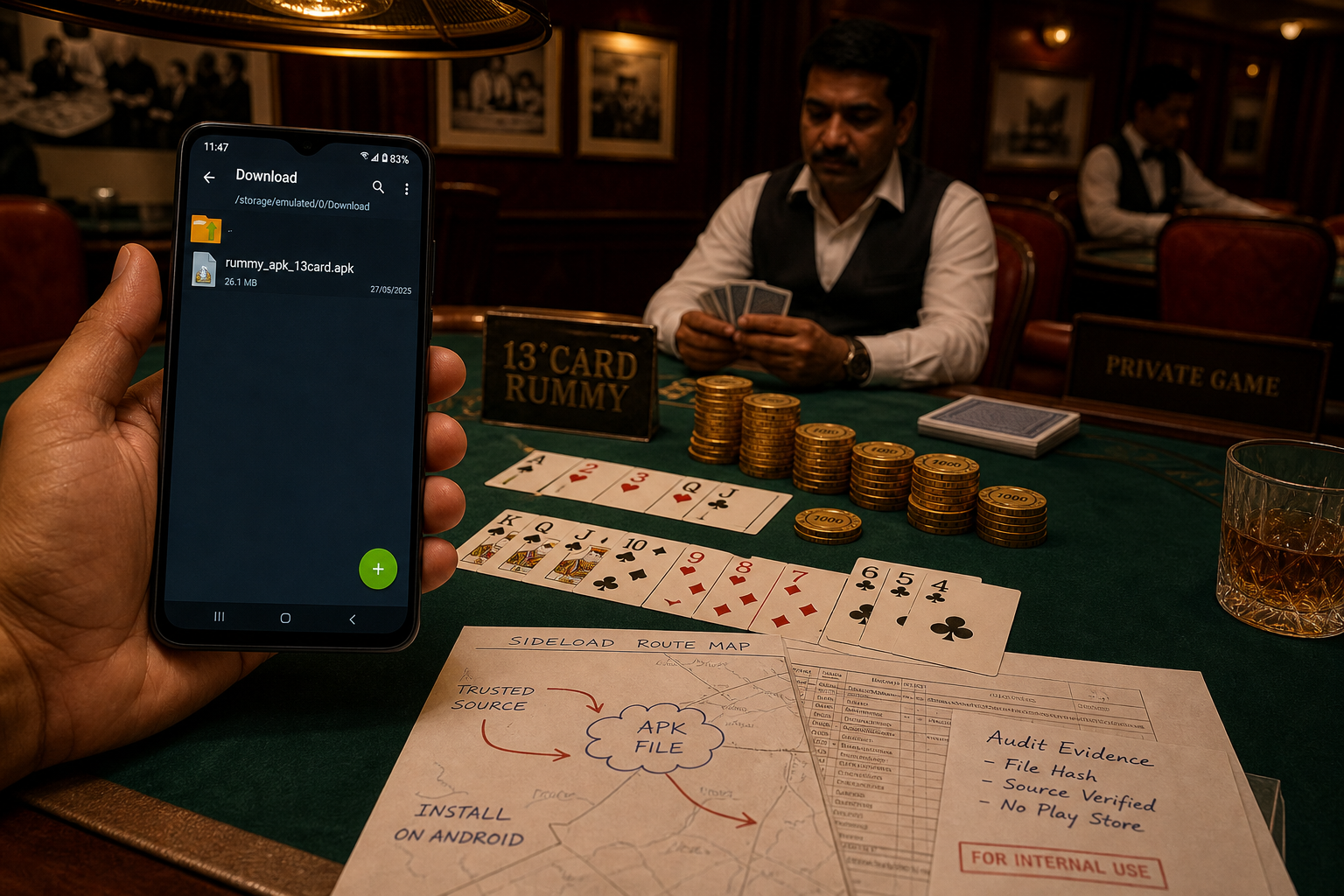
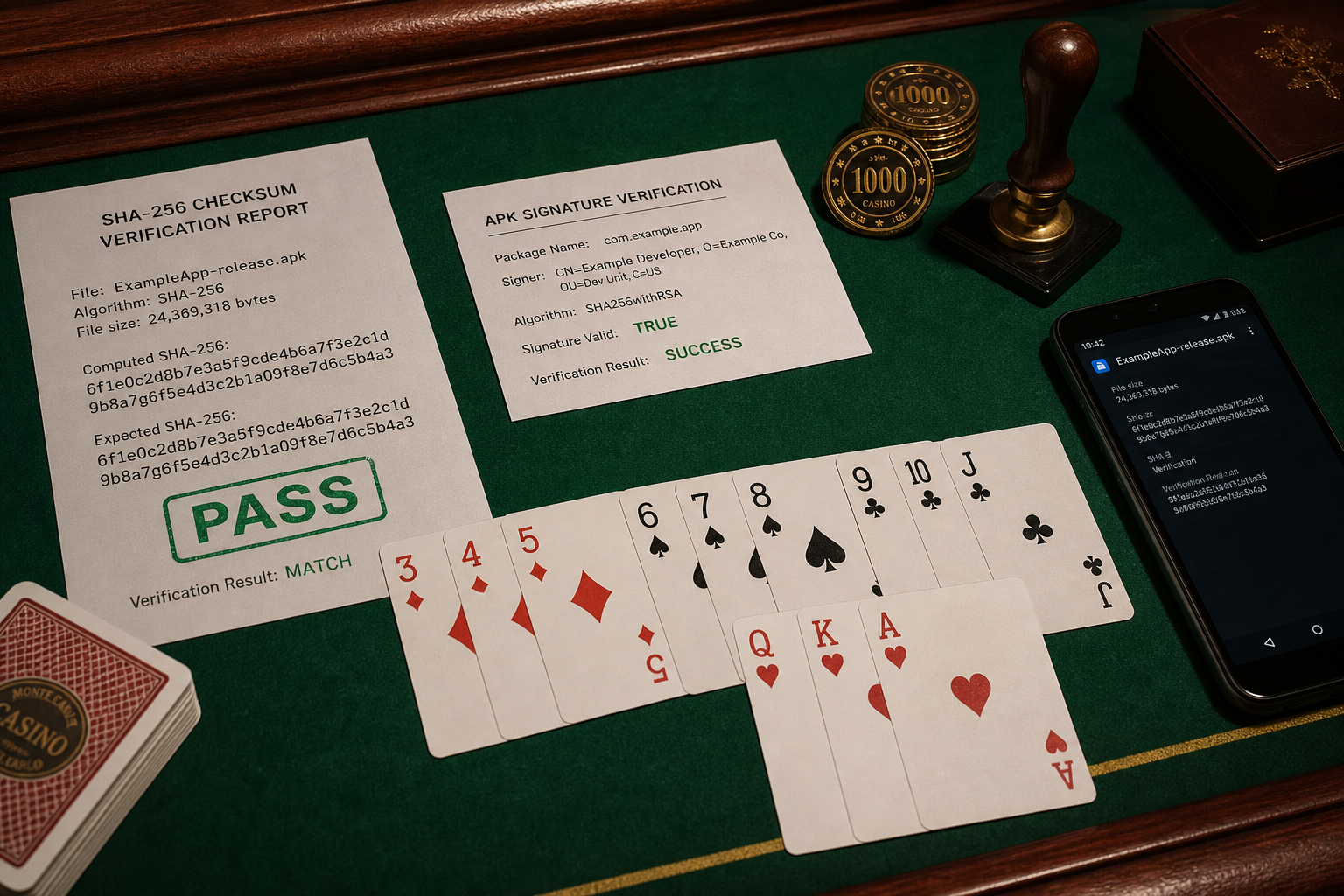
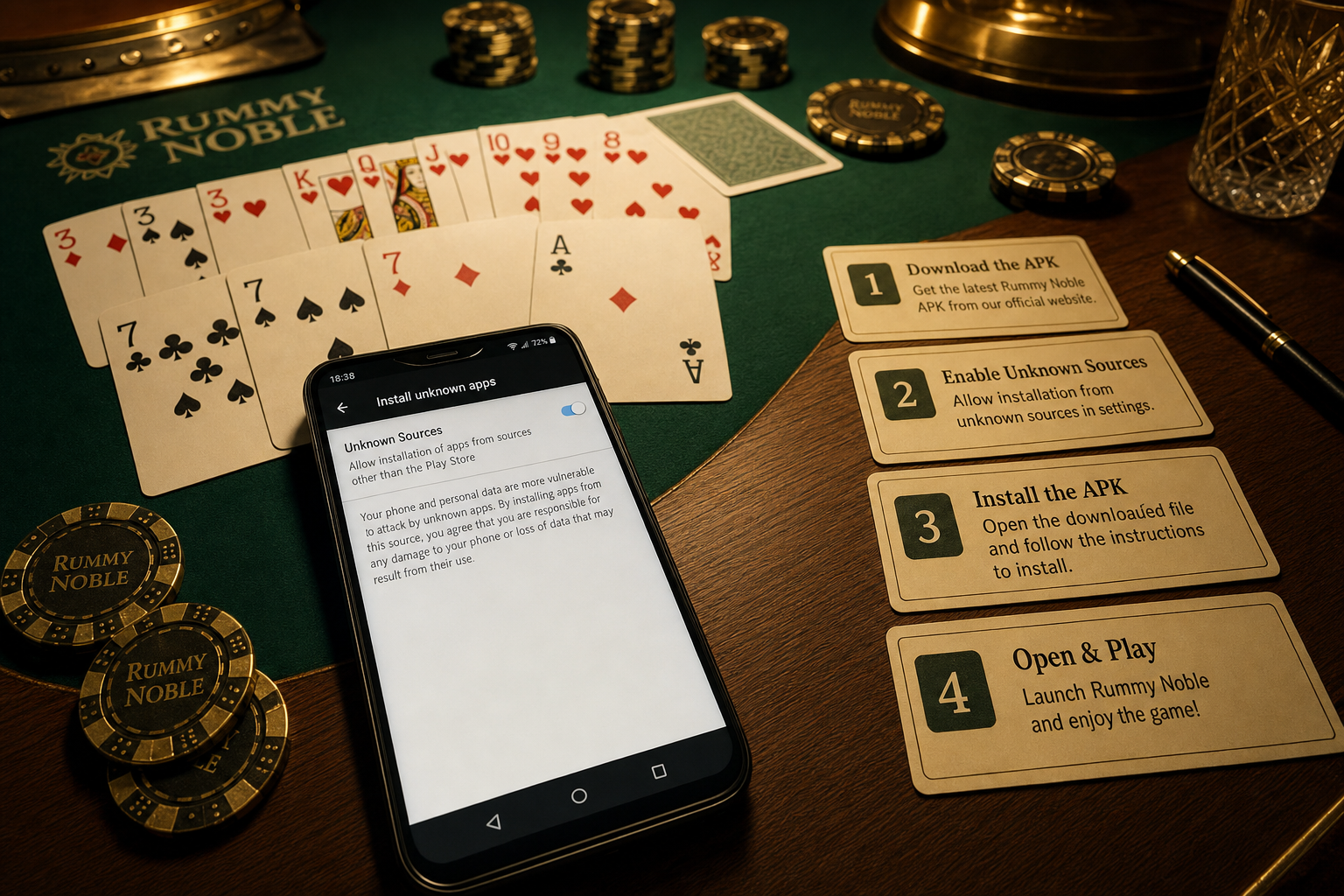
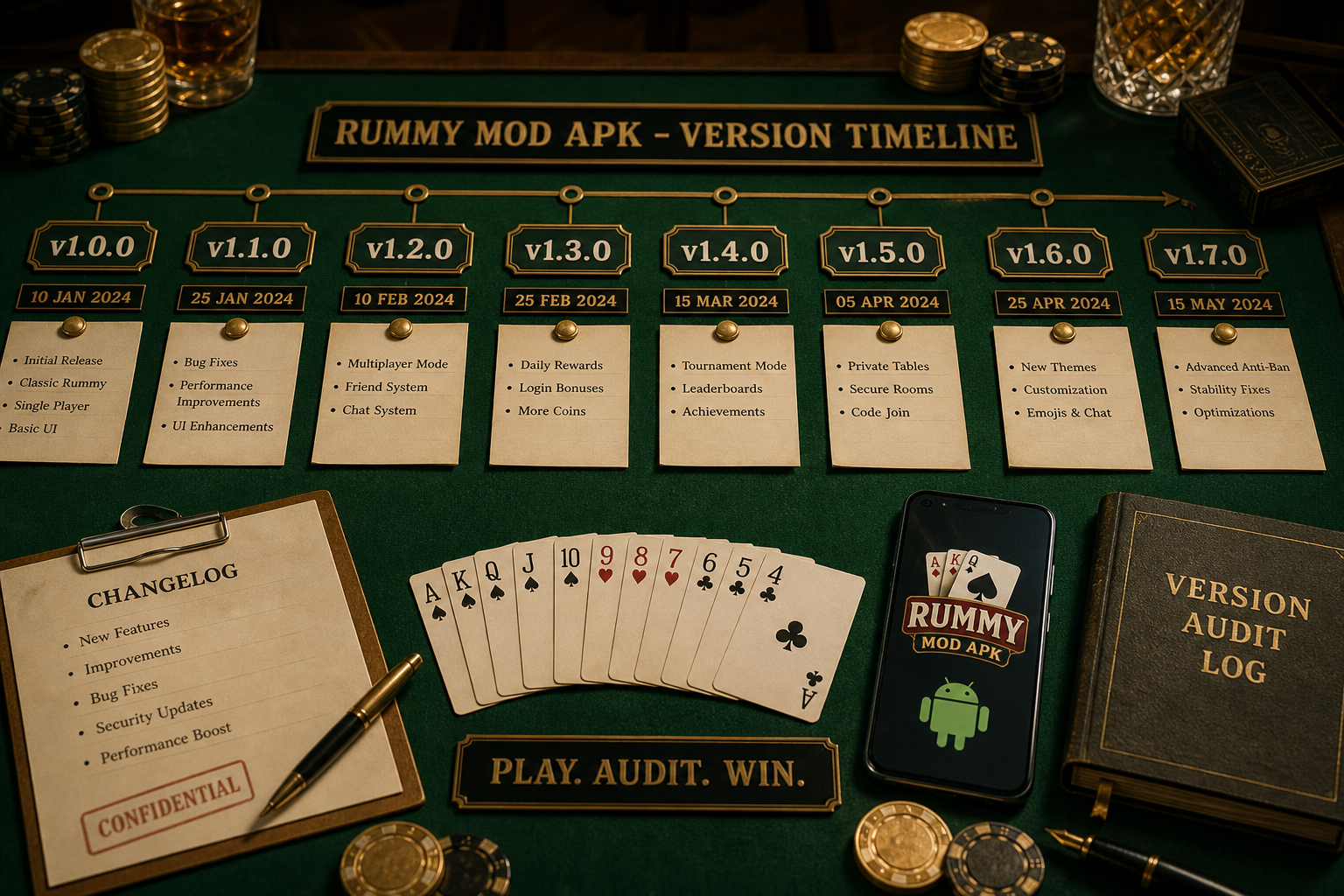
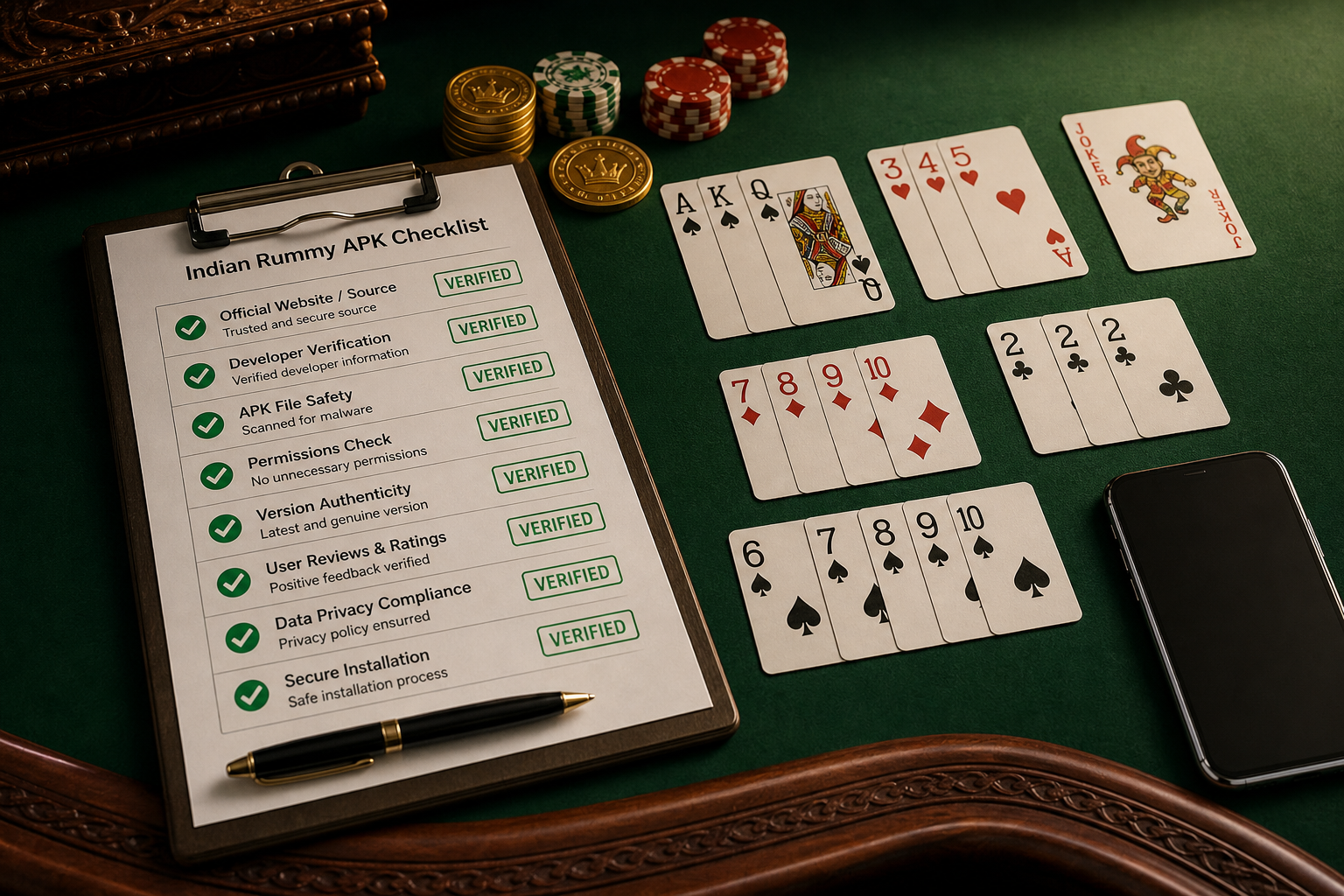
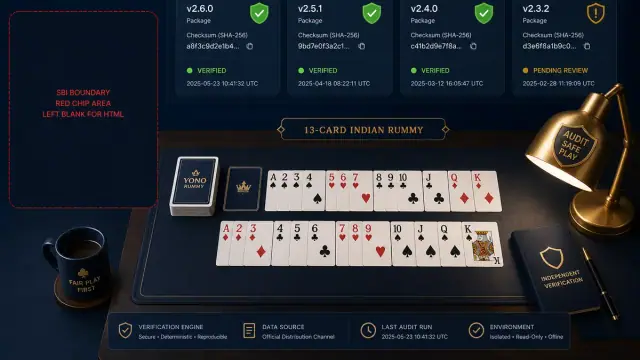
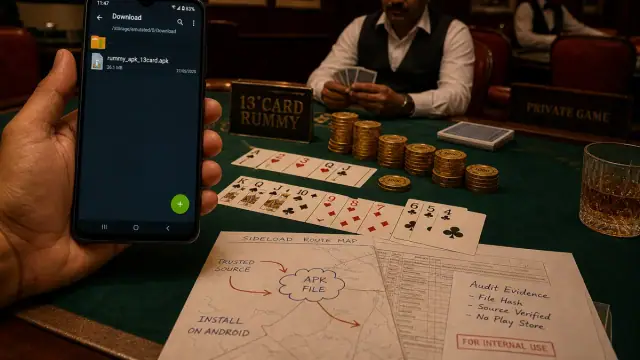
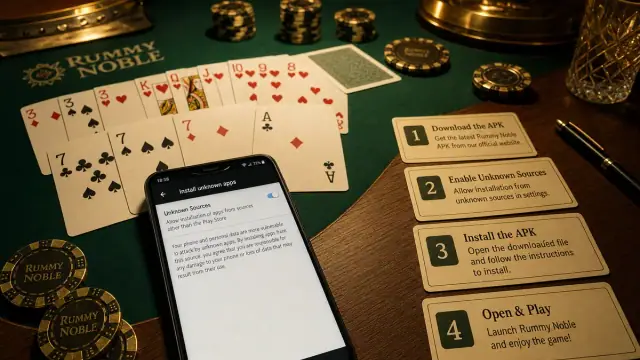
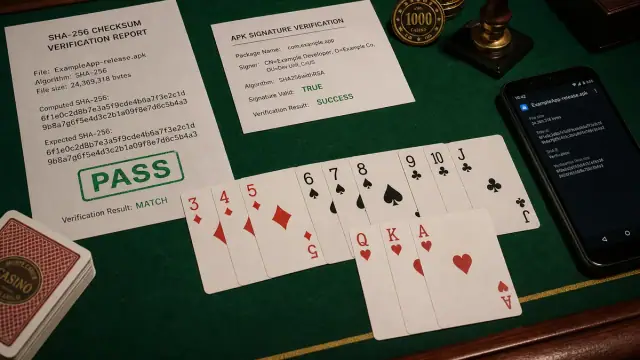
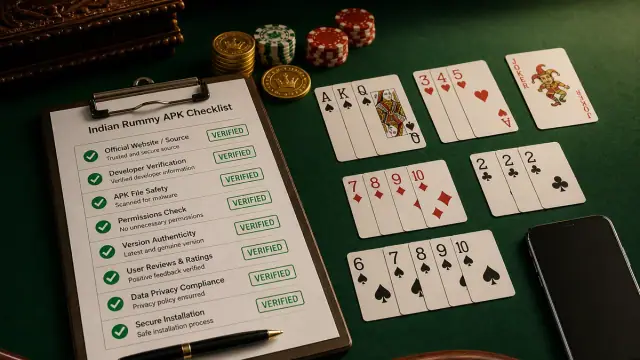
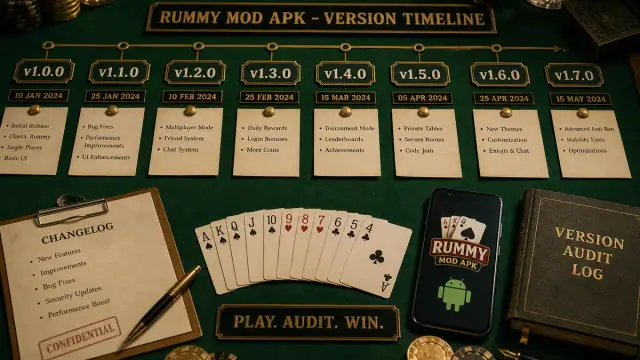
Android verification image set
Each visual keeps the page in an APK source-check lab: Android screen, package route, signature cues and rummy context.